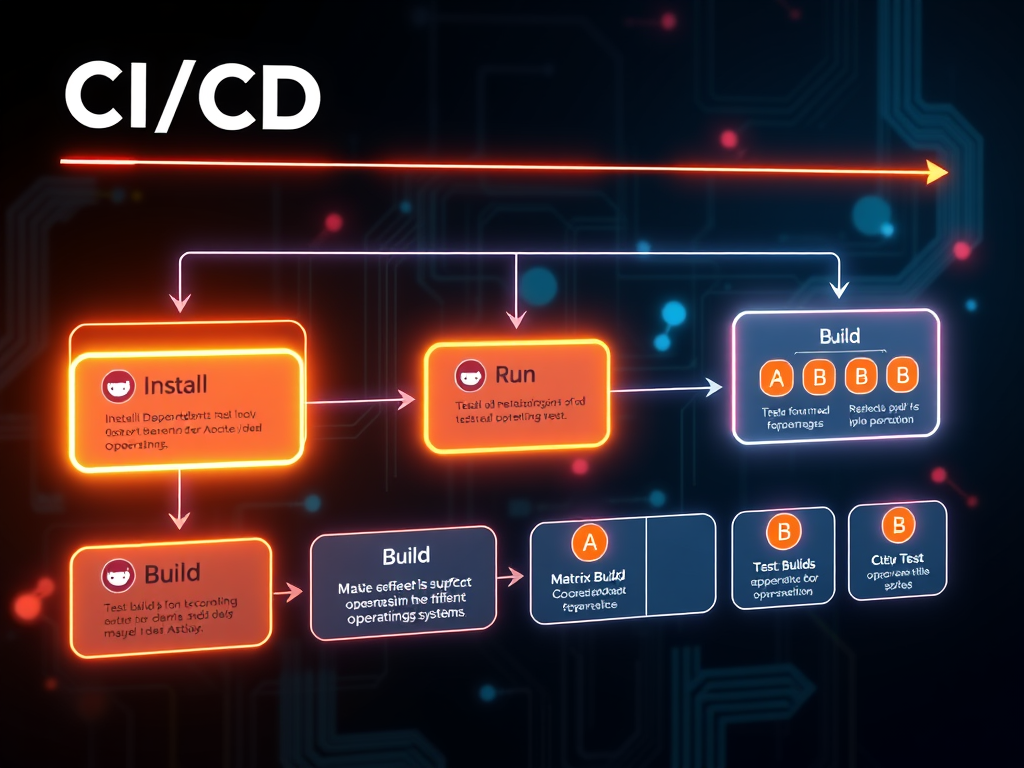
GitHub Actions is a CI/CD (Continuous Integration/Continuous Deployment) platform that allows you to automate workflows for building, testing, and deploying your code right from your GitHub repository. Here’s a quick guide to get you started:
- What is a GitHub Action?
- A GitHub Action is a YAML file that defines a workflow. Workflows are triggered by events (like push, pull request, or on a schedule).
- Where do workflows live?
- In your repository, under the .github/workflows/ directory.
- Basic Example: Create a workflow file
- Create a file named .github/workflows/ci.yml in your repo.
- Example content:
name: CI
on: [push, pull_request]
jobs:
build:
runs-on: ubuntu-latest
steps:
– uses: actions/checkout@v3
– name: Set up Python
uses: actions/setup-python@v4
with:
python-version: ‘3.10’
– name: Install dependencies
run: pip install -r requirements.txt
– name: Run tests
run: pytest
- Key Concepts:
- jobs: A workflow can have one or more jobs that run in parallel (or sequentially if you set dependencies).
- steps: Each job consists of steps, which can run commands or use pre-built actions.
- uses: Reusable actions from the GitHub Marketplace or official actions.
- Common Use Cases:
- Linting code
- Running tests
- Building Docker images
- Deploying to cloud providers
- Resources:
- GitHub Actions Documentation: https://docs.github.com/en/actions
- Marketplace for reusable actions: https://github.com/marketplace?type=actions
If you are interested in learning more concepts, please register for the Free GitHub actions beginners course.