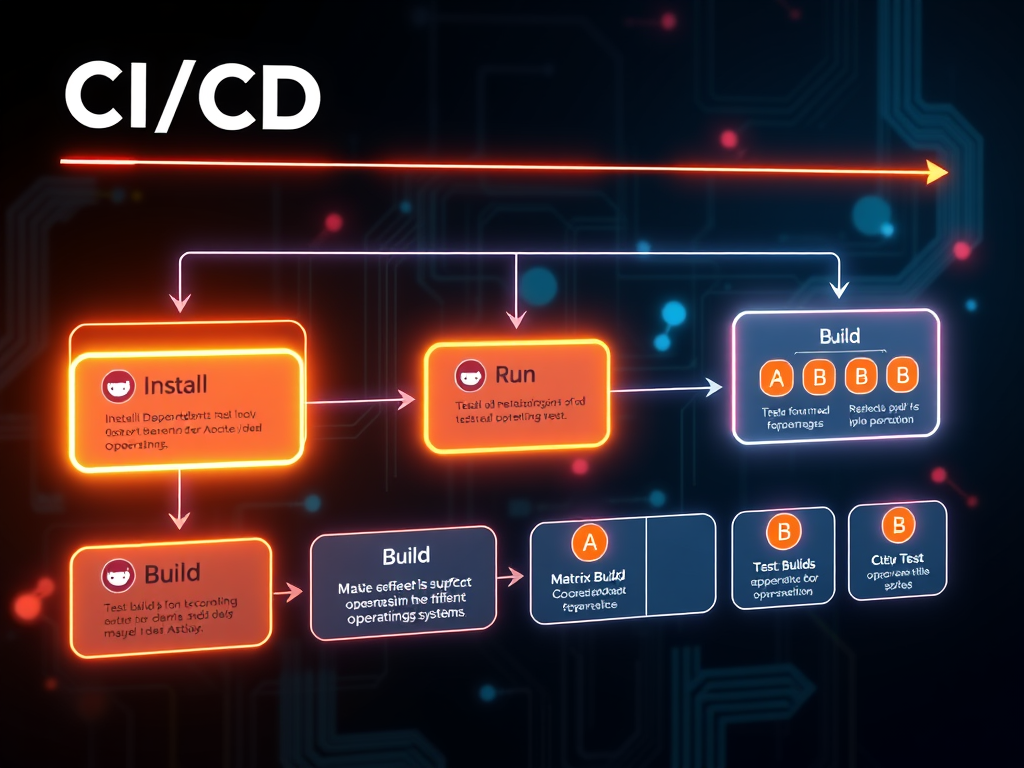
Here’s a simple example of a CI workflow using GitHub Actions that demonstrates how to set up a job to install dependencies, run tests, and build your code:
name: CI Workflow

on:
  push:
    branches:
      - main
  pull_request:
    branches:
      - main

jobs:
  build:
    runs-on: ubuntu-latest

    steps:
      - uses: actions/checkout@v2
      - name: Set up Node.js
        uses: actions/setup-node@v2
        with:
          node-version: '14'

      - name: Install dependencies
        run: npm install

      - name: Run tests
        run: npm test

      - name: Build
        run: npm run build
This workflow triggers on push or pull request events to the main branch. It checks out the code, sets up Node.js, installs dependencies, runs tests, and builds the project.
Matrix builds
To test across multiple operating systems or versions of a programming language, you can use a matrix strategy:
jobs:
  test:
    runs-on: ${{ matrix.os }}
    strategy:
      matrix:
        os: [ubuntu-latest, windows-latest, macos-latest]
        node: [12, 14, 16]

    steps:
      - uses: actions/checkout@v2
      - name: Set up Node.js
        uses: actions/setup-node@v2
        with:
          node-version: ${{ matrix.node }}

      - name: Install dependencies
        run: npm install

      - name: Run tests
        run: npm test
Matrix builds in continuous integration allow you to automatically run tests across various combinations of operating systems and programming language versions. In this example, the test job is configured to run on three different operating systems (Ubuntu, Windows, and macOS) and with three versions of Node.js (12, 14, 16). Each combination is automatically set up and tested, making it easier to identify system-specific issues and ensure compatibility across different environments.
Deployment with environments
For CD, you can define environments in GitHub Actions to handle different stages like staging or production:
jobs:
  deploy:
    runs-on: ubuntu-latest
    environment: production
    needs: build
    steps:
      - uses: actions/checkout@v2
      - name: Deploy to production
        run: ./deploy.sh
In this configuration, the job named “deploy” is set to run only after a successful build (needs: build) and is specifically targeted to the “production” environment. This approach allows for controlled deployments, where the deployment script (deploy.sh) is executed on a runner with the latest Ubuntu version, ensuring that code transitions smoothly from development to production with the appropriate checks and balances in place.
Best practices for GitHub Actions
- Reuse workflows: Use reusable workflows to avoid duplication and maintain consistency.
- Secure secrets: Use GitHub Secrets to manage sensitive information like API keys or credentials.
- Monitor and optimize: Regularly review the execution time and costs associated with your workflows. Optimize where necessary.
By following these best practices and leveraging tools like GitHub Actions, teams can build robust CI/CD pipelines that streamline development processes, enhance collaboration, and accelerate time to market.
For further reading leveraging GitHub Actions in your CI/CD workflows, see the official GitHub Actions docs.